
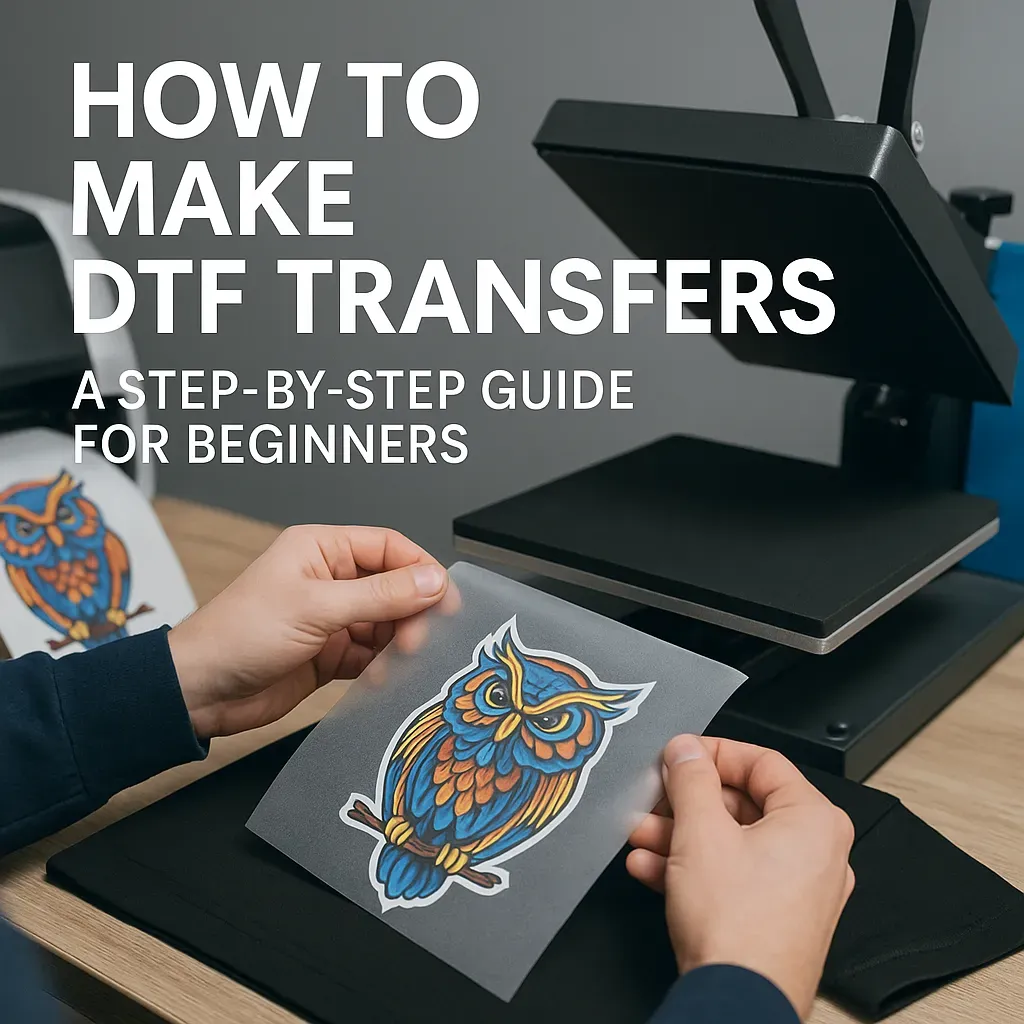
DTF transfers for beginners offer a versatile entry point to printing custom apparel, bags, and textiles, combining ease of use with vibrant results. If you’re new to the world of garment decoration, understanding the DTF printing process and how to apply DTF transfers can save time and money. This guide demystifies the steps, from film printing and powder bonding to heat pressing, so you can achieve professional results with confidence. You’ll learn practical tips, common setup considerations, and how DTF transfers compare to other methods like screen printing. By starting with simple designs and calibrating your printer profiles, you’ll build a solid foundation for successful, durable transfers.
Think of this as a film-based garment decoration method, sometimes called the direct-to-film approach, where art is printed on a PET sheet and bonded to fabric. From a practical perspective, beginners explore the print-on-film technique, adhesive powder bonding, and heat pressing to convert designs into wearable pieces. Other terms you may hear, such as the DTF process and film transfers, point to the same concept while highlighting its flexibility across cotton, blends, and synthetics. Compared with traditional methods, this method offers rapid setup, scalable runs, and the ability to tweak colors between orders, which is why many hobbyists and small shops combine DTF transfer tips with careful workflow planning.
DTF transfers for beginners: mastering the basics of direct-to-film printing
DTF transfers for beginners refer to a flexible garment decoration method that prints a design onto a PET film using an CMYK inkjet or Eco-Solvent printer, with a white ink underbase added for opacity. After printing, a specialized adhesive powder is dusted onto the film and cured, and then the image is transferred to fabric with a heat press. This approach creates direct-to-film transfers that sit on the surface of the fabric, delivering vibrant colors and a soft hand.
Because the setup is relatively forgiving and compatible with many fabrics, DTF transfers for beginners offer a practical entry point into garment decoration. You’ll benefit from quick setup, the ability to reproduce full-color images, and the potential to run small batches or one-off designs without costly screens or screens.
Understanding the DTF printing process: from design to transfer
Design and color setup: Start with a high-resolution file or vector artwork. Ensure colors are CMYK-friendly to maximize on-film color accuracy. A white underbase is often essential for bright colors on light fabrics, helping the final print pop. This stage is a core part of the DTF printing process, where thoughtful color management translates into better results on the PET film and subsequent transfer.
Printing and adhesion steps: Print the design onto the PET film using a DTF printer with a white ink layer, following a printer profile tuned for DTF transfers. While the ink is still wet, dust the film with adhesive powder evenly, then cure it so the powder bonds. This sequence print, powder, cure is central to achieving durable transfers that cling to fabric through heat pressing.
DTF vs Screen Printing: choosing the right method for your project
DTF vs Screen Printing: The two paths for fabric decoration have different strengths. DTF transfers enable vibrant full-color images with consistent results across cotton, blends, and poly fabrics, and can be more economical for small runs.
Screen printing shines on large runs and simple color palettes; it can yield very durable prints with fewer consumables per item, but it requires setup of screens and more preparation. For beginners weighing the two, DTF offers quicker setup and greater flexibility for on-demand designs, while screen printing may win on cost per unit for high volumes.
How to apply DTF transfers: a practical, beginner-friendly guide
Position the film on the garment and apply heat press settings that match the film and fabric guidelines, usually with a protective sheet in between. Begin with test swatches to dial in the right combination before running a full project. This is the core of how to apply DTF transfers and reduces surprises in production.
After pressing, follow the recommended peel method hot or cold, then let the fabric cool before handling. Properly applied DTF transfers should feel smooth to the touch and maintain color integrity through normal wear and washing, reinforcing the value of carefully following the film manufacturer instructions.
DTF transfer tips: troubleshooting and optimization
DTF transfer tips include ensuring precise alignment with guides or mats, maintaining consistent pressure, and using calibrated temperature control to avoid color shifts. Regularly calibrate color profiles so what you see on screen matches the printed film and the final transfer. Cleanliness, proper film storage, and routine test runs are also essential parts of a reliable workflow.
Common issues like fading colors, peeling, or white underbase inconsistencies often trace back to under curing powders or uneven application. If you encounter these, revisit your curing times, verify powder coverage, and confirm the transfer settings on your heat press, adjusting as needed for different fabrics and films.
Setting up a beginner-friendly DTF workspace: equipment, materials, and workflow
Create a clean, organized workspace with a dedicated printing station, curing area, and a safe, stable heat press setup. A well-structured DTF printing process relies on reliable equipment, including a compatible printer, PET films, adhesive powders, and compatible inks, all within an environment free of excessive dust and humidity.
Develop a simple, repeatable workflow: design, print, powder, cure, transfer, peel, and post care. Keep a running log of temperature and pressure settings for different fabrics and films, maintain an inventory of consumables, and run regular swatch tests to build confidence and consistency.
Frequently Asked Questions
DTF transfers for beginners: what is the basic workflow and what fabrics work best?
The basic DTF transfers for beginners workflow involves designing with CMYK colors and a white underbase, printing on a PET film, applying adhesive powder, curing the powder, and transferring the film with a heat press. This method works across fabrics such as 100% cotton, polyester, and blends, offering bright colors and a soft hand. Always follow your film’s guidelines for best results.
DTF printing process for beginners: what are the essential steps?
A typical DTF printing process for beginners includes: design and color setup with CMYK-friendly colors and a white underbase when needed; printing onto a PET film with a white ink layer using a DTF printer profile; powder application to create the adhesive layer; curing the powder; transferring the design to fabric with a heat press at manufacturer-recommended temperature, time, and pressure; peeling the film after cooling (hot or cold peel as directed).
How to apply DTF transfers on fabrics for beginners?
To apply DTF transfers, prepare the fabric with a brief pre-press, align the printed film on the garment, and press with a heat press at the recommended temperature, time, and pressure. Allow the film to cure and then peel according to the film’s guidelines (hot or cold). Finish with proper cooldown and follow wash-care recommendations.
DTF transfer tips for beginners: what practices improve results?
DTF transfer tips for beginners include calibrating printer color profiles for your inks and film, starting with test swatches, keeping films, powders, and presses clean, ensuring even powder application and thorough curing, using alignment guides to prevent misplacement, and following the proper peel timing for best color and edge sharpness.
DTF vs screen printing: which should beginners choose for different projects?
DTF vs screen printing: For beginners, DTF offers faster setup, broader color capability, and on-demand flexibility across fabrics and small runs, with lower upfront complexity. Screen printing can be more cost-effective for large batch orders with a few colors and very durable results. Choose DTF for versatility and quick prototyping, and consider screen printing for high-volume, single- or few-color designs.
DTF transfers for beginners: common mistakes and troubleshooting?
Common mistakes for DTF transfers include faded colors due to poor color calibration, peeling from insufficient pressing or unsuitable fabrics, white underbase inconsistencies, and powder shedding from inadequate curing. Troubleshoot by rechecking printer profiles, increasing curing time if needed, ensuring proper heat press temperature and pressure, applying an even powder coat, and verifying peel timing and fabric compatibility.
| Aspect | Key Points |
|---|---|
| Introduction |
|
| What are DTF transfers? |
|
| DTF Printing Process (Step-by-Step) |
|
| DTF vs Other Techniques |
|
| Practical Tips for Great DTF Transfers |
|
| Preparing Your Workspace and Materials |
|
| Common Mistakes & Troubleshooting |
|
| DTF Transfer Roadmap for Beginners |
|
| DTF Transfer Tips for Seamless Results |
|
| DTF vs Screen Printing: Quick Comparison |
|
Summary
Conclusion